- service@nationaldetectives.in
- +91 8800462341
Can a Private Detective Agency Traced Fake LinkedIn Profile
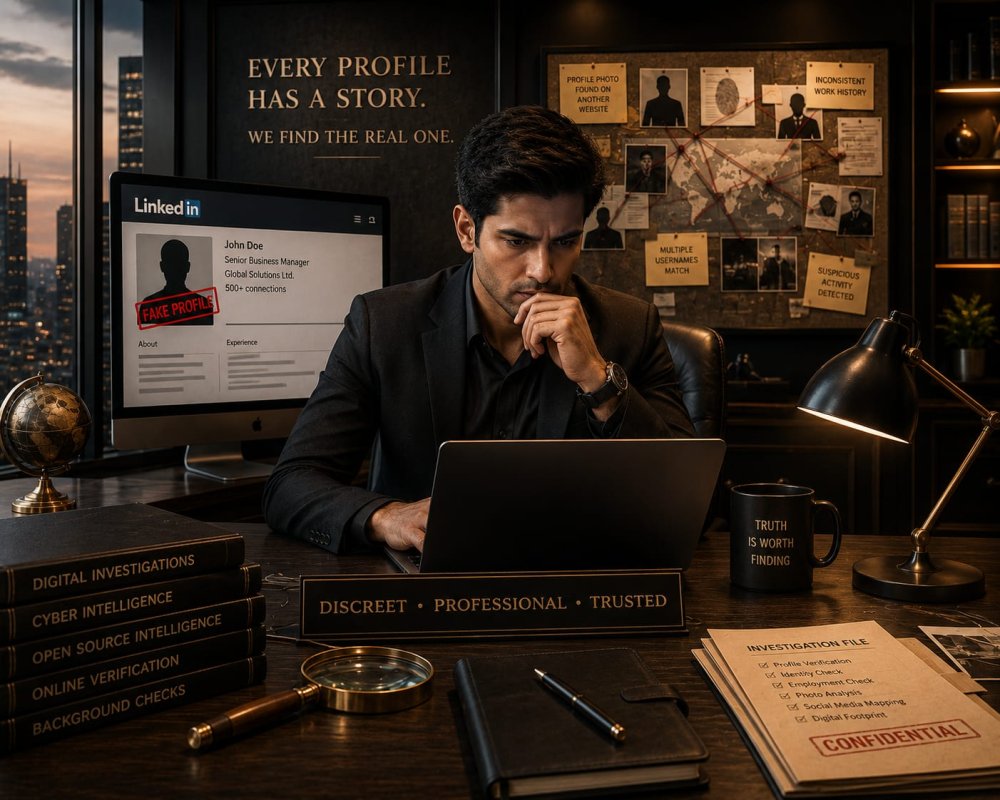
LinkedIn is widely used for jobs, hiring and business contacts. People usually trust the details given on a profile, but some profiles are not real. A person may use a different name, photo, company or job details to make the account look genuine.
Fake profiles can be used to contact people, collect their information or run scams. Some people also create profiles using another person's identity. Finding the person behind such an account can take some checking, as the available profile details may not be enough on their own.
Some Reason For People Create Fake LinkedIn Profiles
People make fake LinkedIn profiles for many reasons. Some want to look like a working professional and connect with employees or business owners.
In some cases they use another person's name, photo or company details. They contact job seekers, ask for personal information or slowly gain someone's trust before asking for money.
A profile may look suspicious when it has very little information, strange job details, a copied photo, fake job offers or someone else's identity.
Signs a LinkedIn Profile May Be Fake
A fake profile can look real at first but small things can make it look suspicious.
The job history looks strange or has gaps that do not make sense.
The person claims to work for a company, but there is little connection with that company.
The profile photo looks copied, edited or belongs to someone else.
The account has few genuine connections or posts.
The person's education and job details do not match.
The messages feel unusual or the person avoids basic questions about their work.
One sign alone does not prove that a profile is fake. But several such signs together can be a reason to check the profile more carefully.
Can an Investigation Trace the Person
Yes, in some cases a fake LinkedIn profile can be traced through the online information . An investigator first checks the profile and finds details that connect the account with a real person.
Some of the details include:
• Name and profile photo
• Company and job details
• Work history
• Public posts
• LinkedIn connections
• Other social media accounts
• Usernames or contact details
• Information shared in messages
These details can then be compared with other public information. For example a claimed job or company can be checked and the same photo or username found on another account.
Details an Investigator Can Check
An private investigation agency can check the public details linked to a LinkedIn profile, such as:
• Name and username
• Profile photo
• Company and job details
• Education
• Previous jobs
• Posts and activity
• Public connections
• Other social media profiles
• Phone numbers or email details shared publicly
• Links used on the profile
• Information shared in chats
Sometimes the same photo, name, username or job details show on other websites or social media accounts. This can give useful clues about the person using the profile.
But one matching detail is not enough to confirm someone's identity. The information needs to be checked from different sources.
Can an Investigator Get Private LinkedIn Details
An investigator cannot get a LinkedIn user's IP address, password or private account details by checking the profile.
LinkedIn keeps this information private. Getting these details need proper legal action or help from the authorities.
An investigator can still check the information that is openly available, such as the profile, photo, work details, posts and other public accounts.
So be careful if someone says they can directly give you a person's IP address or private LinkedIn details. A proper investigation works with legal methods and available information.
Save the Profile Details First
If you come across a fake LinkedIn account, take screenshots before blocking or reporting it. The account can be removed later.
Keep the profile link, username, photo and messages saved. Also keep any documents, links or other information sent by that person.
Keep these details safe in case you need to report the account or show them to an investigator later. If there is fraud or cybercrime you can also report it to the cybercrime authorities.
When Is a Professional Investigation Needed
Every fake linkedIn profile does not need an investigation. If the account only sends random requests or messages then you can block and report it.
But you may need professional help if the person is using the profile to:
• Pretend to be your employee or business partner
• Contact your clients using a fake identity
• Offer fake jobs or collect documents from applicants
• Send suspicious or threatening messages
• Use someone else’s name or photo
• Share false information about a company or person
• Ask for money or sensitive business details
• Create problems for your personal or business reputation
An investigator can check the profile and compare the details to see if the information is genuine.
Conclusion
A fake LinkedIn profile can leave behind more information than the person creating it realizes. A copied photograph, unusual work history, repeated username or connection with another online account can sometimes provide useful leads.But tracing a fake profile is not about instantly revealing the person's identity. It usually involves checking different information and seeing whether they connect or not.
If a fake LinkedIn profile is causing a serious personal or business problem, a professional investigation can help to verify the available information and provide clear information of the situation. At the same time serious cybercrime should also be reported to the appropriate authorities.